100% on-device — auto cutout & export on your iPhone

One-Tap
Canada Visa Photo
35×45 mm crop & preview.

Preview a 35×45 mm crop on iPhone with automatic background replacement and framing measurements. Export a 420×540 pixel JPEG when you’re ready.

Download on the App Store

iOS 17+ · iPhone

$1.99 per photo · no subscription · free unlimited retries
Check IRCC photo requirements

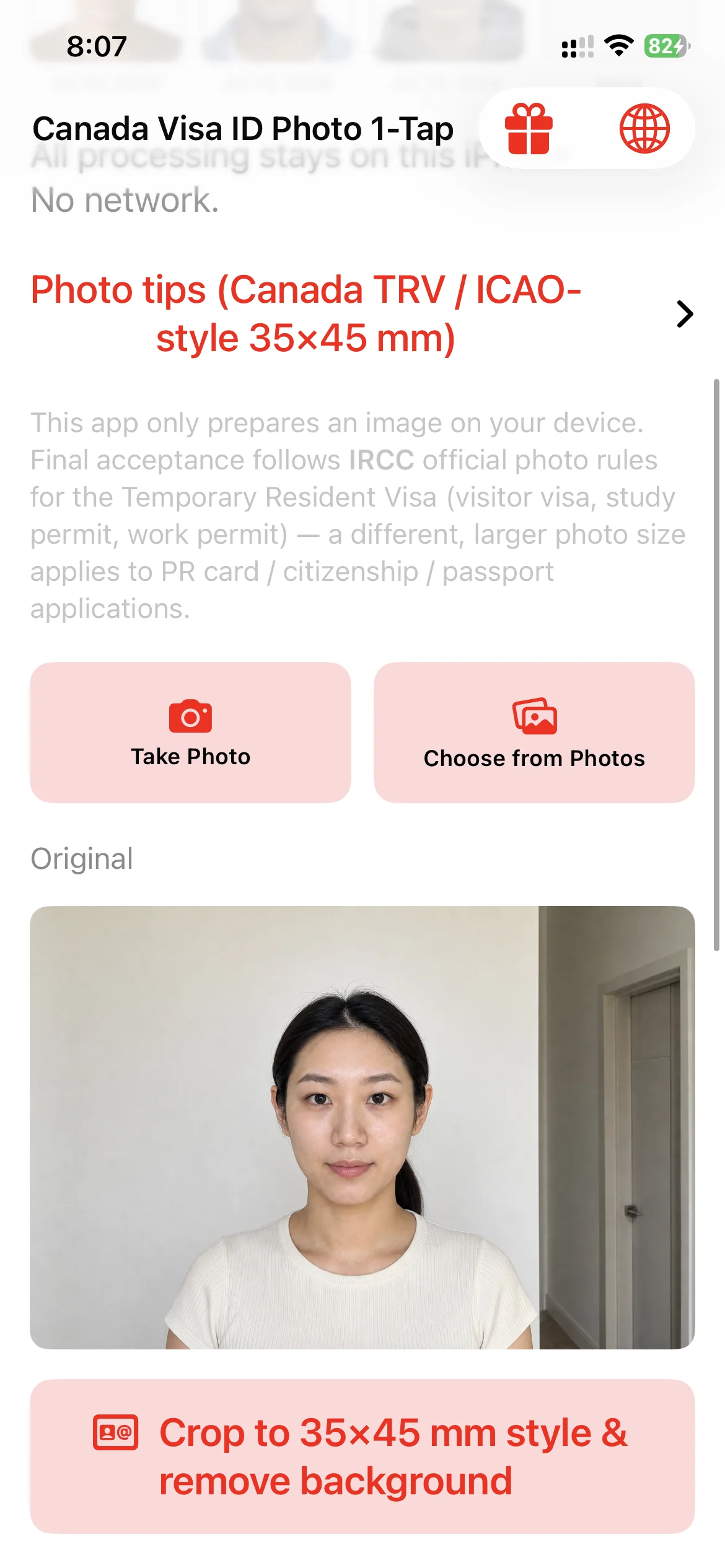
The Canada Visa Photo app showing the Original photo screen with a crop and remove background button
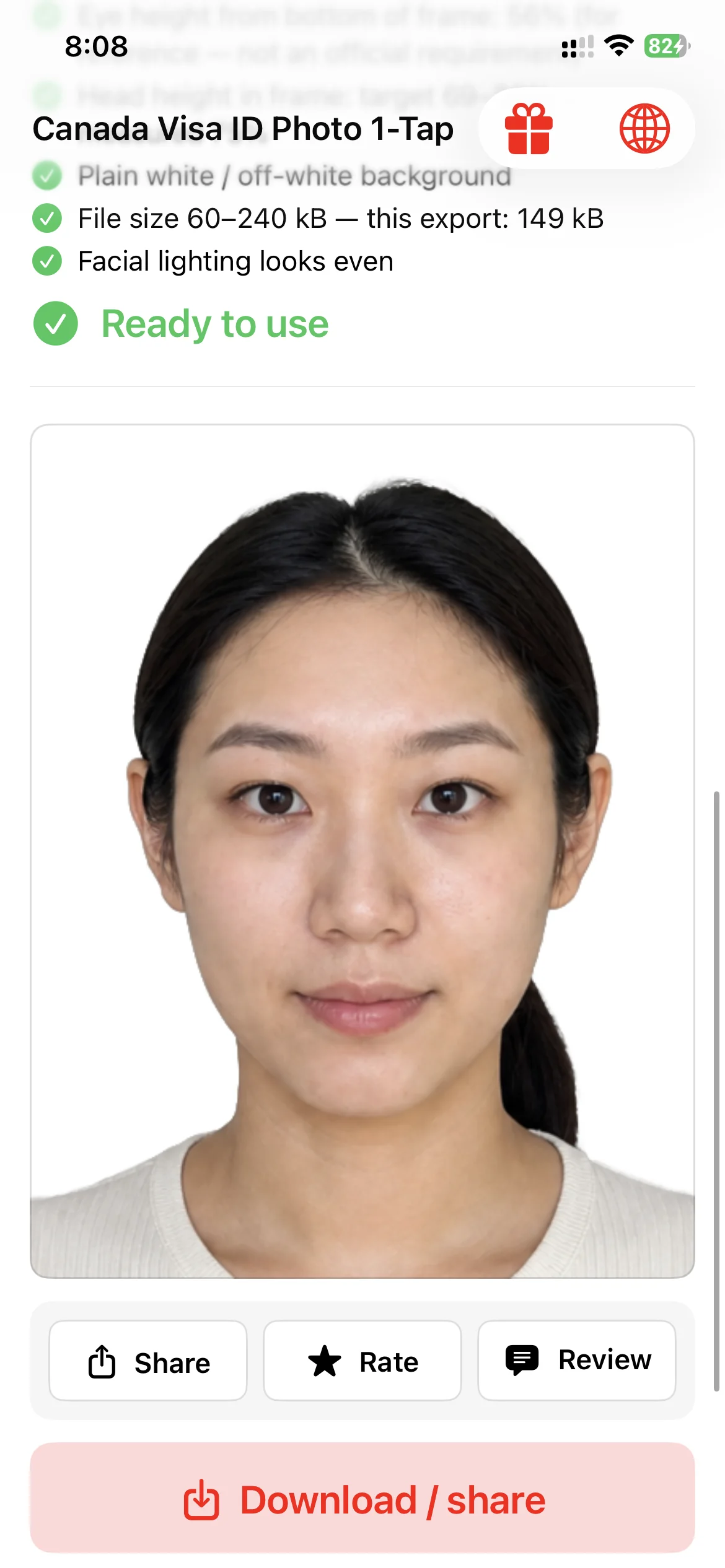
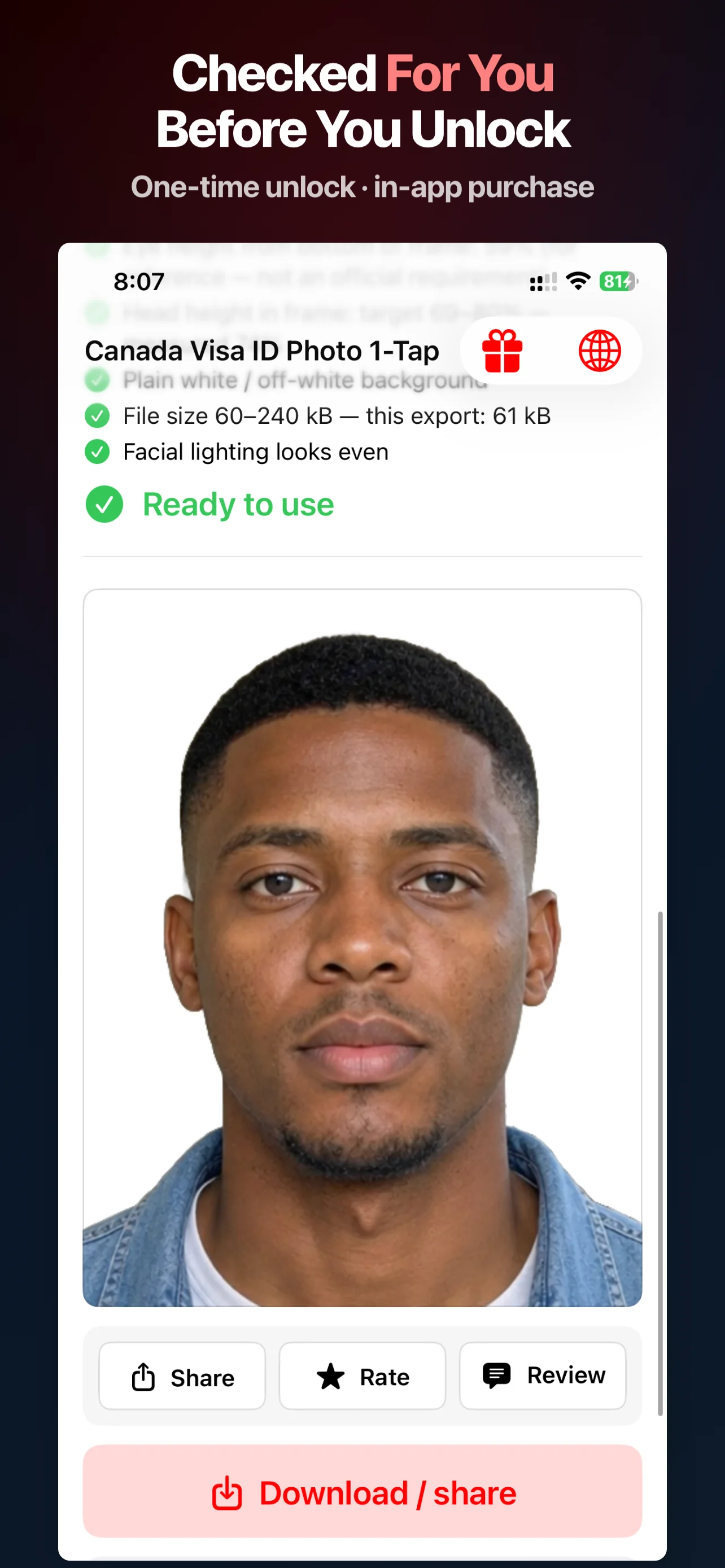
The same photo in the Canada Visa Photo app: background removed, cropped, compliance checklist passed, marked Ready to use
Automatic background removal
420×540 pixel JPEG export
Apple Vision on-device
No photo uploads to us

Real exports

35×45 mm export examples

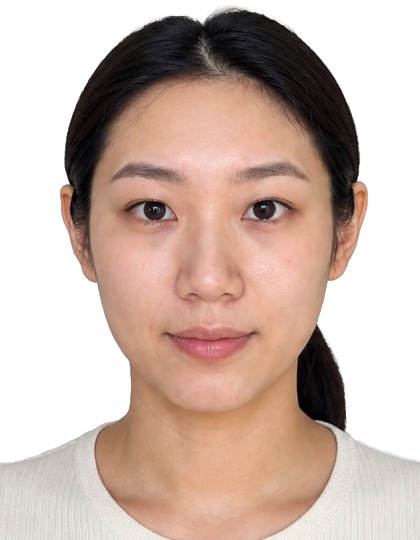
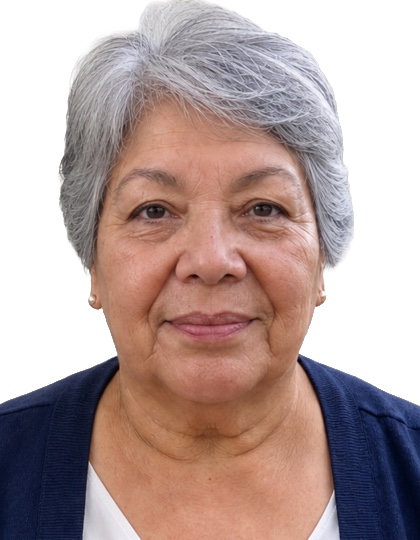
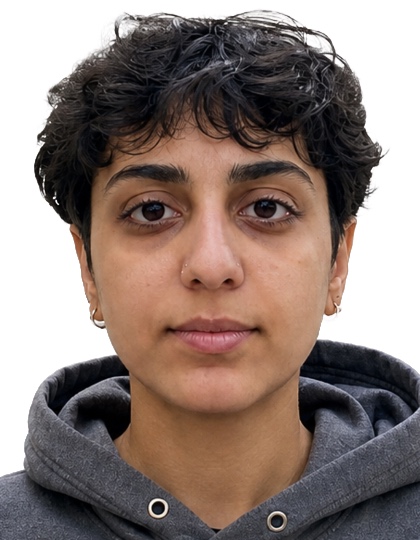
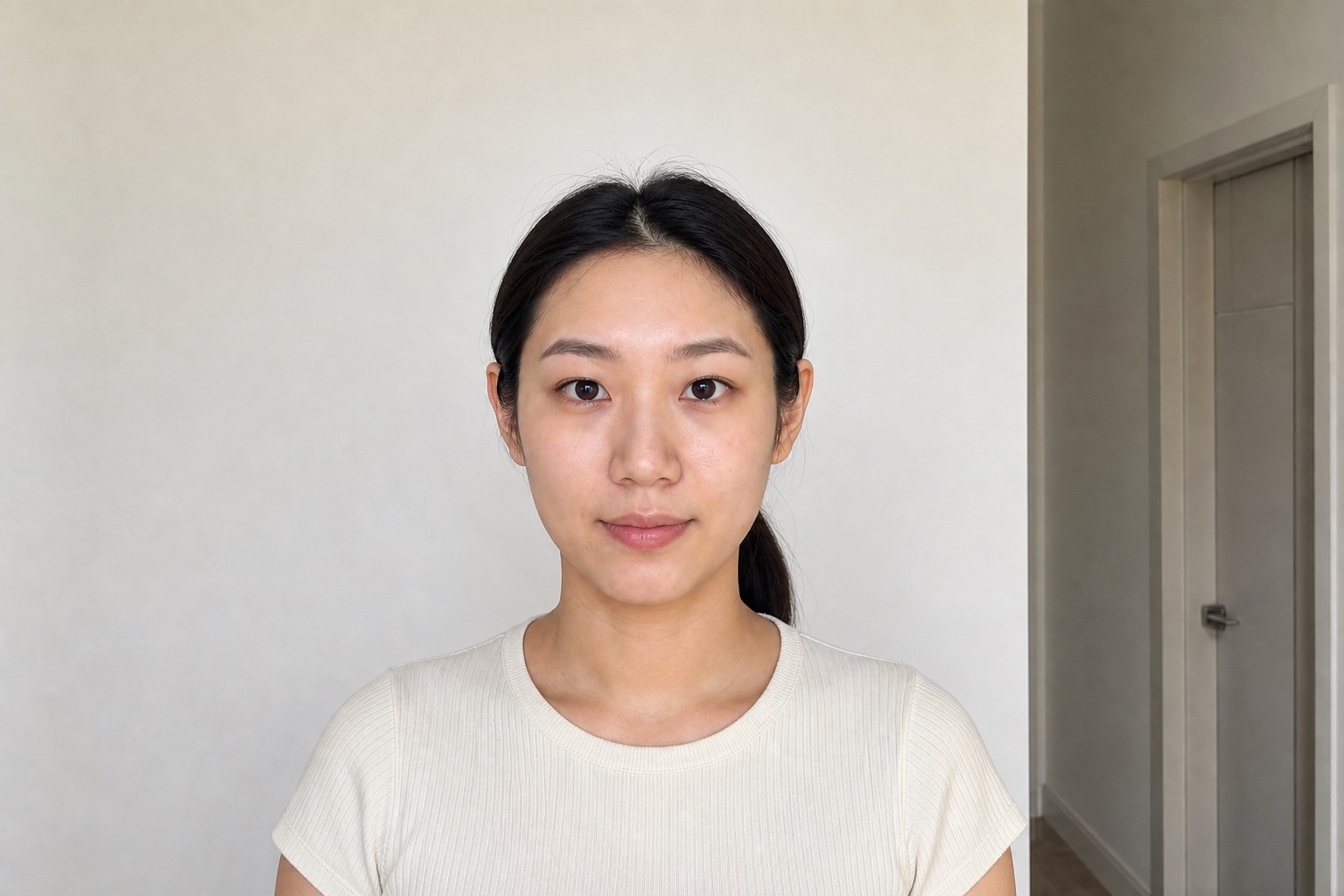
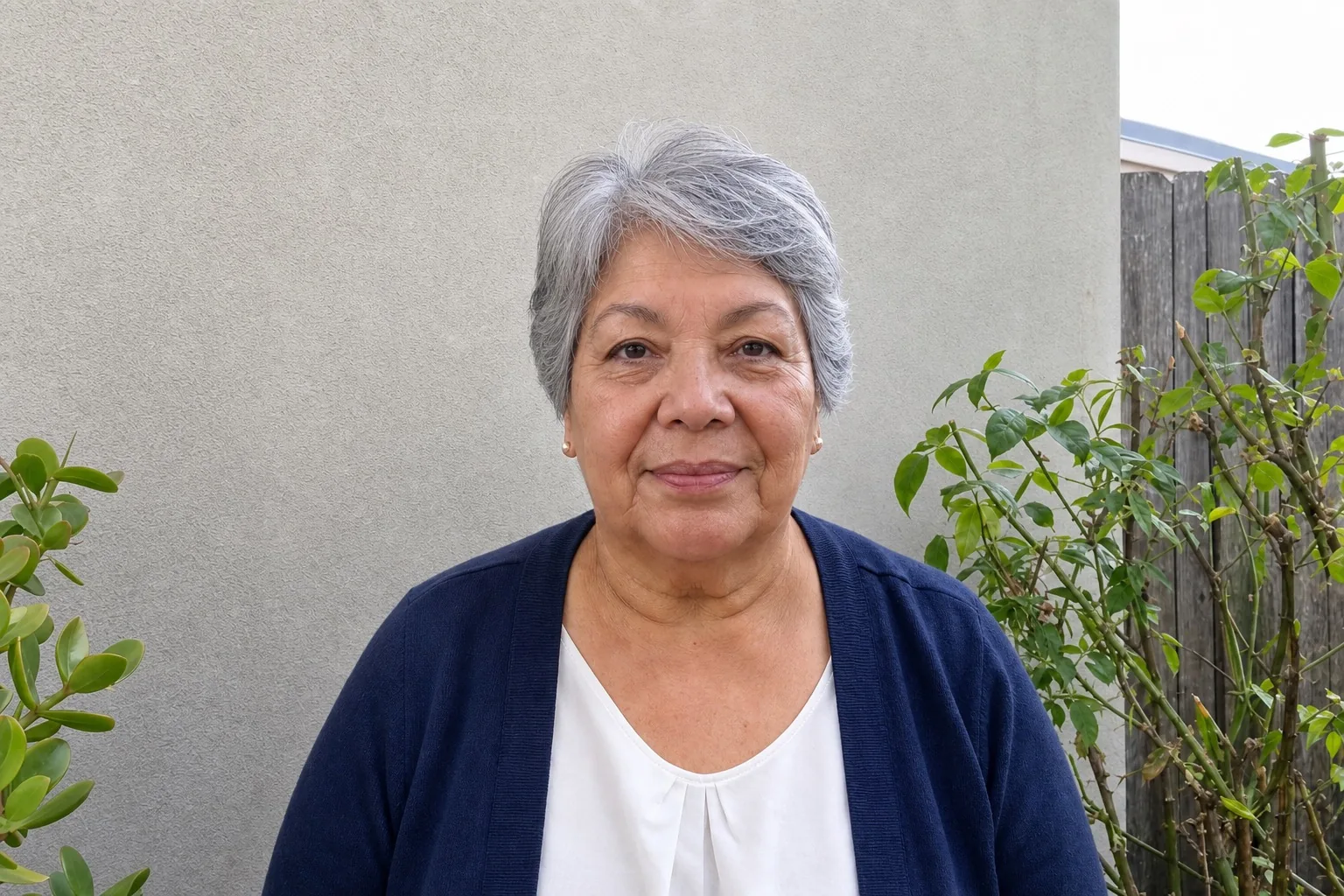
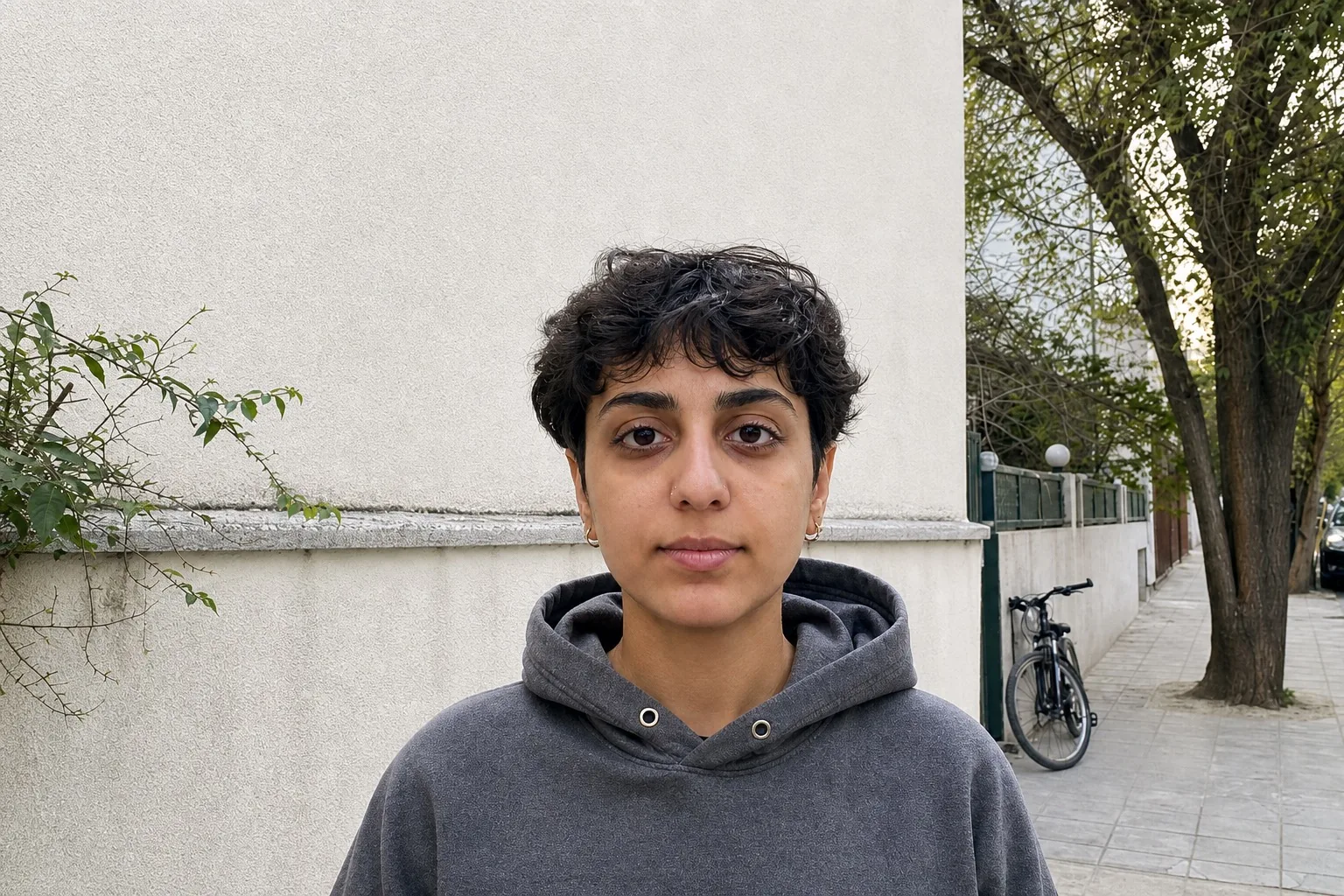
Real examples: kitchen, garden, hallway, street, living room, home — then clean cutouts on white, cropped to 35×45mm proportions.

Canada visa photo export example 1
Canada visa photo export example 2
Canada visa photo export example 3
Canada visa photo export example 4
Canada visa photo export example 5
Canada visa photo export example 6

Originals (before) · full aspect, Photos-style

Original 1
Home portrait
Original 2
Kitchen
Original 3
Garden
Original 4
Balcony hallway
Original 5
Street
Original 6
Living room

Inside the app

A closer look, without the full tour.

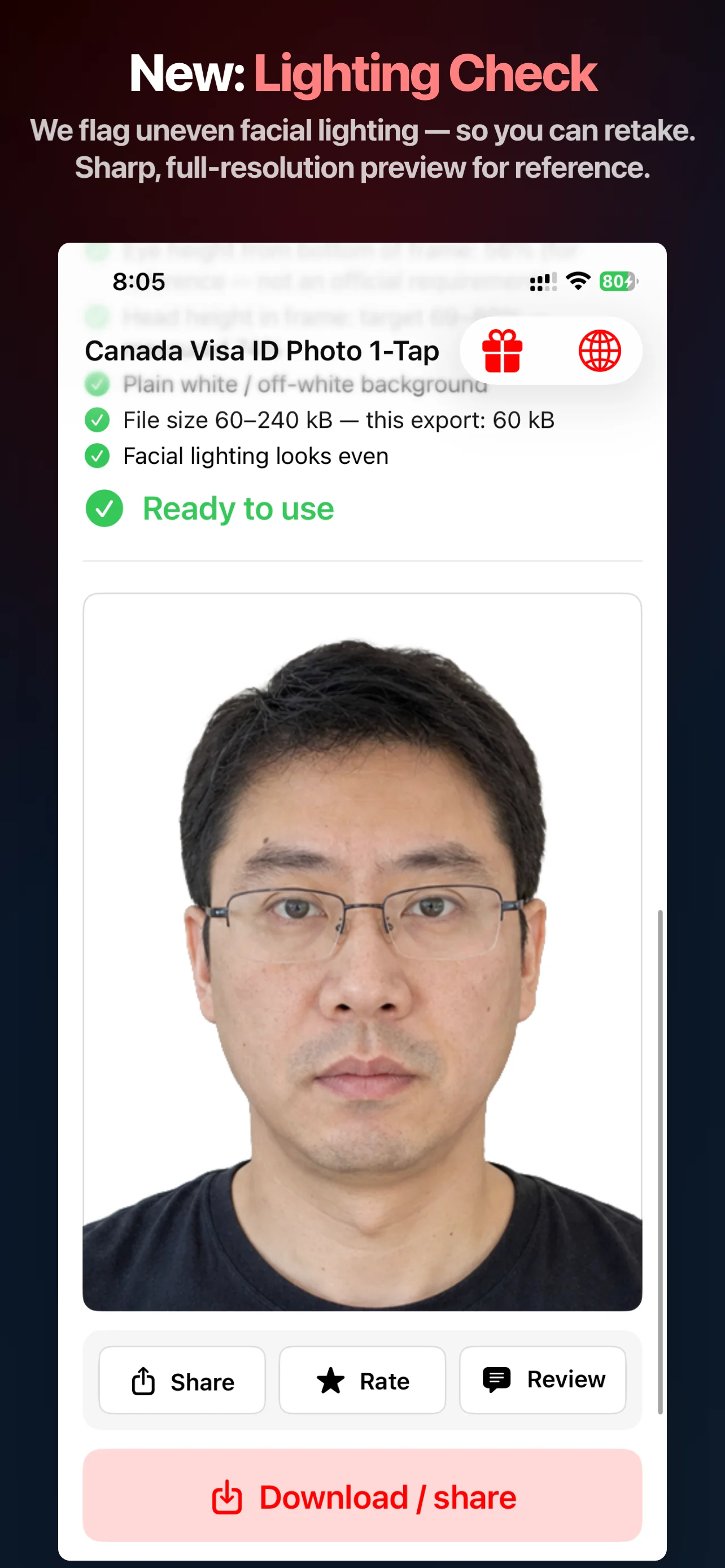
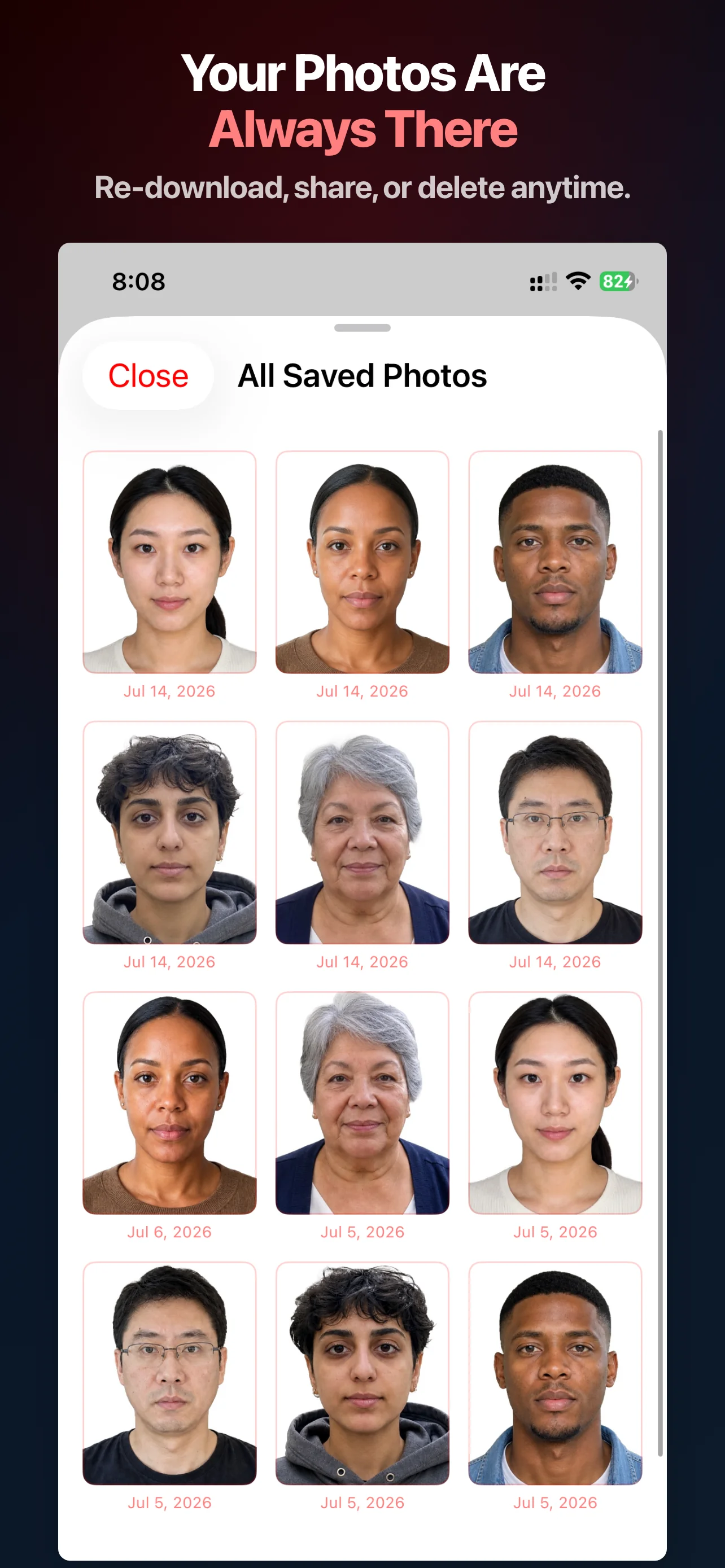
Three real App Store screens show the checks, lighting check, and saved exports behind your result.

Canada Visa Photo App Store screen showing the IRCC export checklist before unlock Canada Visa Photo App Store screen showing the lighting check before export Canada Visa Photo App Store screen showing Saved Photos on this iPhone

Canada TRV and PR photo requirements

For a visitor visa (TRV), IRCC’s photo specifications give a minimum frame of 35×45 mm and a head height of 31–36 mm. IRCC requires digital TRV photos to be unaltered. This app replaces the background when it prepares an export. Use an unaltered original for a TRV application that requires a digital photo.

  • 35×45 mm canvas — exported at 420×540 px, the app’s JPEG export size.
  • Head height 31–36 mm — the chin-to-crown range used by the app’s framing check.
  • JPEG size policy — export targets 240 KB, minimum 60 KB, sRGB.
  • Plain white or light background — after automatic cutout.
  • Image editing — automatic cropping and background replacement.
  • Privacy — segmentation and matting run on your iPhone; no separate upload to our servers for processing.

Permanent residence and PR cards have a separate IRCC photo specification: 50×70 mm and a professional photo. For other applications, follow the photo instructions on your application checklist.

Crop, preview and export on iPhone

Review the 35×45 mm crop and framing measurements before you pay for a JPEG export.

Auto cutout & white backdrop

Apple Vision separates the person from the original background so the app can replace it with white.

35×45mm crop & checklist

Review the crop and the app’s chin-to-crown measurement. The JPEG export is 420×540 px.

On-device only

Core image work stays on your phone. Purchase flows use Apple's systems; we don't run our own photo cloud for editing.

Same multilingual UI as our app family

Built-in language switcher: English, 简体中文, 繁體中文, Español, 日本語, Deutsch, Français — matching our US, China & Schengen apps.

Three steps

1

Pick a photo

Any clear front-facing shot from your library — more headroom makes composition easier.

2

One-tap process

Auto cutout to white, crop to 35×45mm proportions, then review the animated checklist.

3

Unlock & export

A single purchase unlocks one JPEG export you can save to Photos.

Pay per export

No subscription — unlock one processed photo at a time, same model as our other apps.

Canada Visa Photo
$1.99/ export
  • 420×540 px export (35×45mm)
  • Automatic cutout + white/light plate
  • Framing and file checks in the app
  • On-device processing

Why not a photo studio?

Preview and retry for free. A single purchase unlocks one edited JPEG.

Exact storefront price may vary by region; shown in USD on the U.S. App Store.

When people use it

Visitor visa (TRV) application Study permit application Work permit application Replacing a rejected photo

Your Canada visa photo
starts on your phone.

Now on the App Store — $1.99 per full-resolution export.

Price shown in USD on the U.S. App Store; exact storefront price may vary by region.

Download on the App Store